DEMO ACCESS
Frog Road demo
Use the demo to learn the controls with virtual credit. You cannot withdraw this balance.
InOut Games supplies this Frog Road demo. Open the client’s help for its current settings; play uses virtual credit. The demo needs JavaScript. If the frame stays empty, open the demo source in a new tab. Access can depend on your region, browser and session.
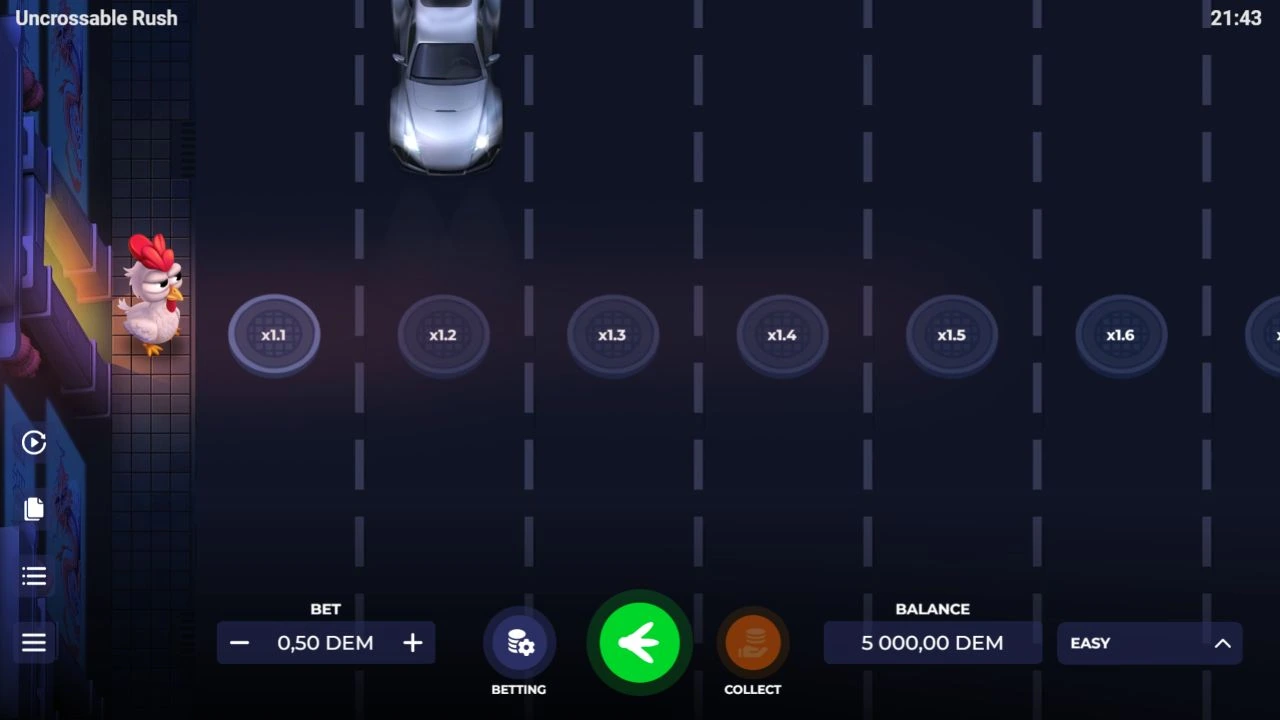
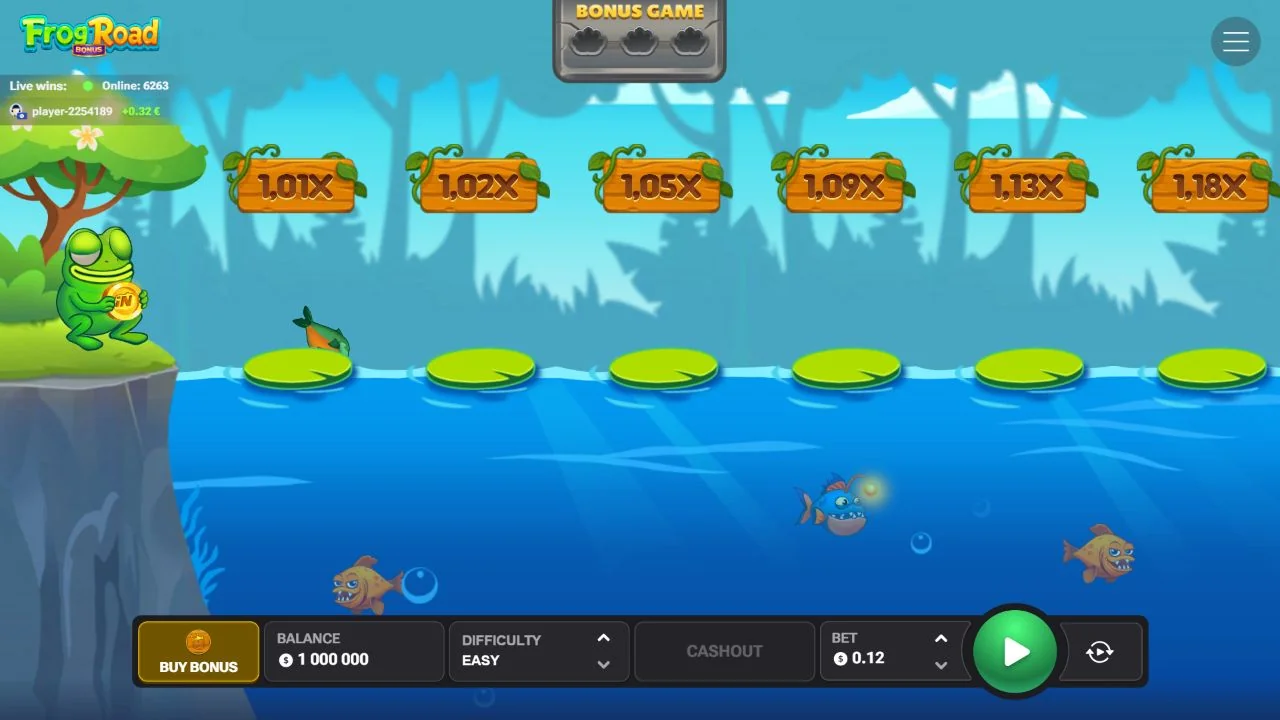
Frog Road replaces the chicken with a frog and traffic with piranhas. It also adds a flower-triggered bonus. InOut’s opened client is named PepeRoad, matching its peperoad launch address; the rules below come from that frog game.
At a glance
| Detail | This game |
|---|---|
| Provider | InOut Games |
| Game structure | Frog progression with Free Jumps |
| Provider-stated RTP | 95.5% (theoretical) |
| Demo access | Own provider client embedded above |
Moving the frog and collecting
Set the bet, choose a difficulty and start. The English help lists 24 steps on Easy, 22 on Medium, 20 on Hard and 15 on Hardcore. Although it calls them safe steps, it also describes piranhas ending the run. Read the count as route length, not guaranteed survival.
Successful progress increases the multiplier. You can collect instead of moving again. The recorded client has separate Play, Cashout and Autoplay controls, each with a different job.
How the flower bonus works
The help says three flowers collected during ordinary play activate the Bonus Game. Direct purchase is also available. The feature awards a fixed number of Free Jumps, with automatic movement, stops before the piranha danger and multipliers added to the total win.
The recorded material doesn’t establish the purchase price or complete fixed-jump count. Read the bonus information before paying for entry. Automatic stopping belongs to that phase; it doesn’t reveal where a normal run will end.
Understanding the controls before play
The settings menu contains How to play, Game rules, bet history, sound controls and a Space shortcut. Watch keyboard focus while reading: Space can have a game action once focus is inside the embedded client.
Before choosing Autoplay, read its stop conditions. Repeating decisions automatically doesn’t improve the underlying odds or make a losing result less likely.
Why the name can look different
The product card says Frog Road; the address and client use PepeRoad. This demo follows that official connection, rather than loading an unrelated game with a frog in its name.
Chicken Road Bonus uses coins for its recorded trigger. This client describes flowers and Free Jumps. Similar road lengths don’t establish matching feature prices, probabilities or payout limits. Use Frog Road’s current rules for those.
Common questions
Are the flowers a casino promotion?
No. Flowers trigger the in-game bonus. Casino deposit offers have separate terms.
Does a bonus stop reveal the next normal danger point?
No. Automatic bonus movement doesn’t establish a way to predict an ordinary round.
Sources and comparisons
The provider or rules document supplies the listed theoretical RTP. It describes long-run return, not the next attempt’s result. Any calculation must use its stated assumptions; virtual demo credit has no withdrawal value. Include feature purchases in the spending limit you set before real-money play.
Browse Games and variants and InOut Chicken Road for separate comparisons and rules. Frog Road’s official references are in Sources & scope below.