DEMO ACCESS
Hamster Run demo
Use the demo to learn the controls with virtual credit. You cannot withdraw this balance.
InOut Games supplies this Hamster Run demo. Open the client’s help for its current settings; play uses virtual credit. The demo needs JavaScript. If the frame stays empty, open the demo source in a new tab. Access can depend on your region, browser and session.
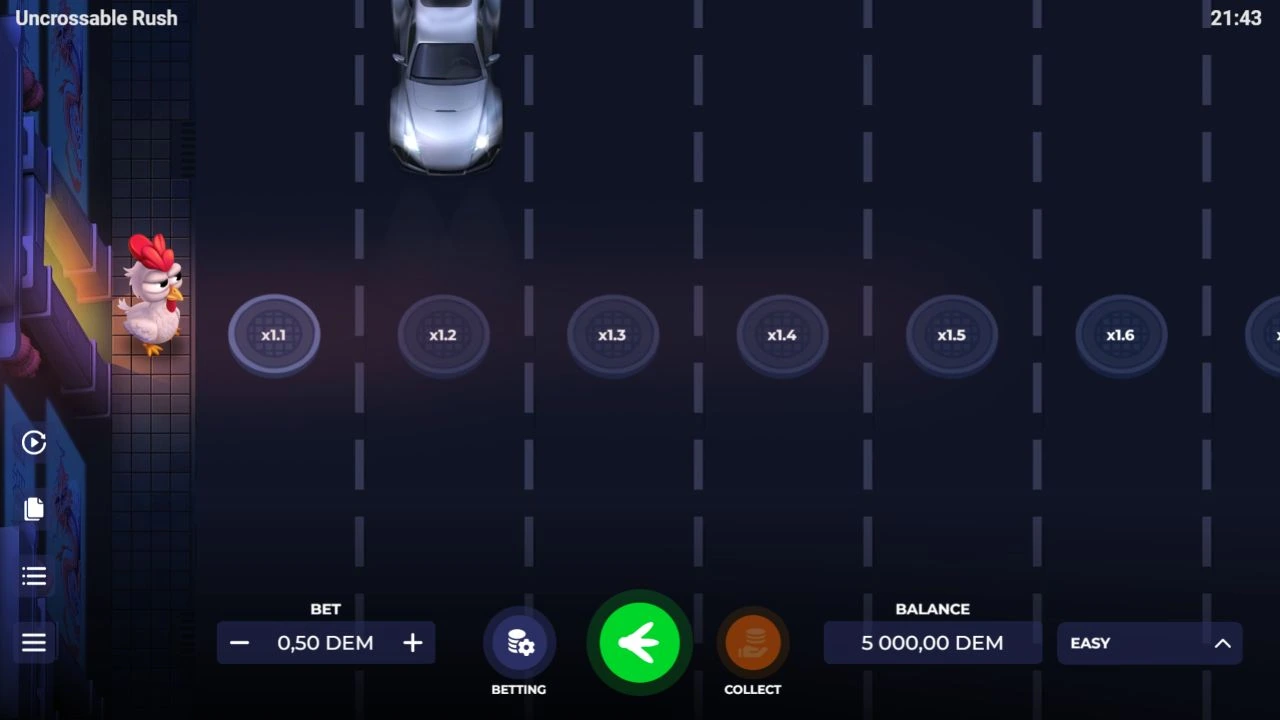
Hamster Run centres on tapping and energy meters that feed a mini-slot and fortune wheel. The InOut help also describes spinning. Despite the name, the recorded controls don’t establish a Chicken Road-style route with lanes and cash-out points.
At a glance
| Detail | This game |
|---|---|
| Provider | InOut Games |
| Game structure | Tap game with mini-slot and wheel features |
| Provider-stated RTP | 97% (theoretical) |
| Demo access | Own provider client embedded above |
The main action
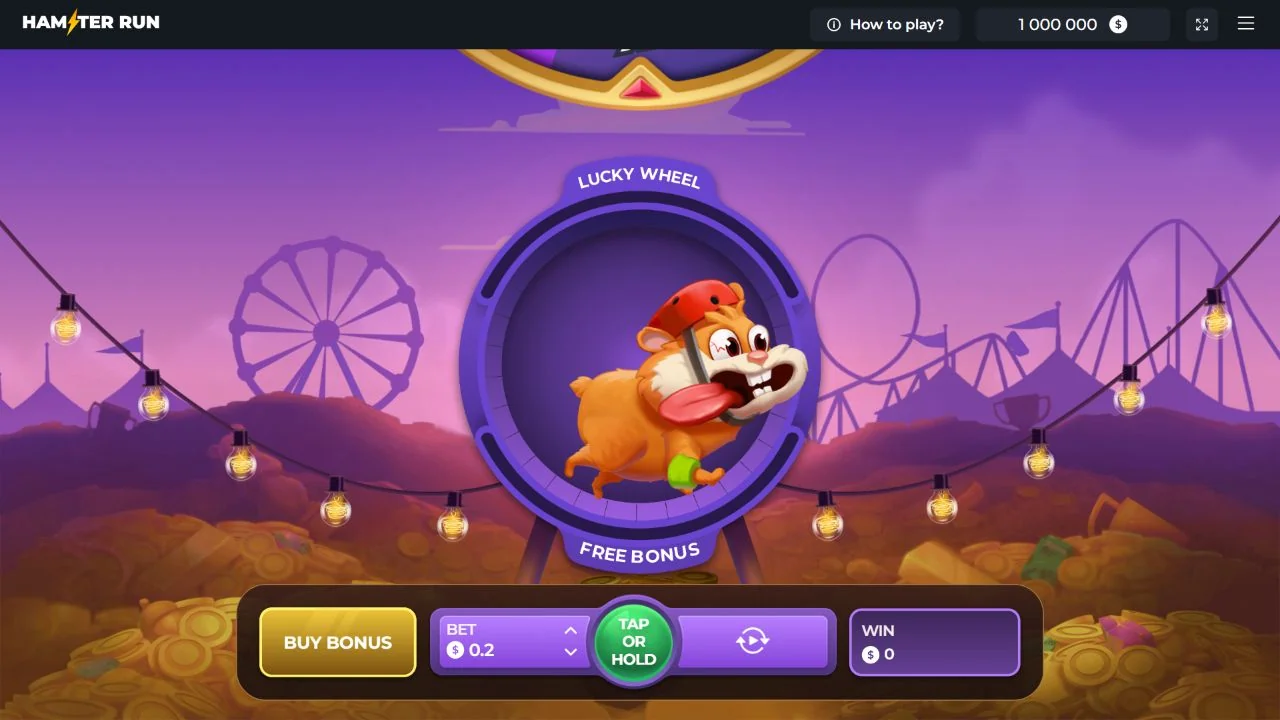
The help says a spin or tap on the hamster starts play. The recorded control reads TAP OR HOLD, so check your stake before using a held or repeating action. This works differently from choosing each new road step.
Bet and win have separate displays. The character’s animation and an increase in energy don’t automatically mean a settled win. Read each counter before treating it as money returned.
Free Bonus energy and the mini-slot
According to the help, collecting FREE BONUS energy launches a mini-slot that can award Free Spins and multipliers. Buy Bonus offers direct entry too. A free-spin feature doesn’t mean every ordinary action triggers it.
Check the full purchase price and feature description before buying. Compare the return with that price, rather than with one ordinary tap stake. The recorded inspection included no feature purchase and established no trigger probability.
Lucky Wheel and changing the bet
LUCKY WHEEL energy activates the fortune wheel. It is a separate meter from Free Bonus, with a different feature to unlock.
The recorded screen warns that changing the bet resets progress to the start. Check your stake before interacting; don’t assume progress built at one bet level survives a change.
What the product label does and does not prove
InOut labels Hamster Run Multiplayer. The client shows a personal bet, win amount and feature progress; read its own help for any shared-play feature.
The embedded game uses the public hamster-run client. Its interface and help were inspected without playing rounds. This guide therefore claims no measured return, tested wheel strategy or successful withdrawal.
Common questions
Is Hamster Run another version of Chicken Road?
Its tap, mini-slot and wheel workflow differs from the road-step game. Use Hamster Run’s own controls and rules.
Does changing the bet keep my progress?
The recorded screen warns of a reset. Read that warning in your current game before changing the amount.
Sources and comparisons
The stated RTP comes from the provider or rules document. It is a theoretical long-run return, not a chance of winning the next action. Illustrative calculations depend on their assumptions, and demo credit can’t be withdrawn. Set a spending limit before using real money, including bonus purchases.
Use Games and variants to compare the mechanics and InOut Chicken Road for the original game’s rules. Hamster Run’s official references are in Sources & scope below.